Traffic e-challan check and payment: find pending challans by vehicle, DL or challan number, pay on the official site, and avoid fake challan messages
Traffic and transport e-challans for Maharashtra (MH) vehicles are on the NextGen eChallan portal of the Ministry of Road Transport and Highways — echallan.parivahan.gov.in. Choose Pay Online, then search by Challan Number, Vehicle Number or DL Number to see pending challans and pay online. If a challan has been sent to court, it is handled on the Virtual Courts portal (vcourts.gov.in), where Maharashtra has the transport department and Nashik traffic listed. Fake "pending challan" SMS links are a common scam: the portal says it never asks for your password, OTP or payment details by call, email or message. Open the site yourself; don't tap links. Tech help: 0120-4925505 (6 am–10 pm).
Key facts Last verified: 16 Nov 2026
| Item | Details | Source |
|---|---|---|
| Official portal | echallan.parivahan.gov.in — eChallan, an initiative of MoRTH (NIC) | eChallan portal |
| Maharashtra | MH challans are checked and paid on the NextGen eChallan portal (with AN, AR, AS, BR, CH, GA, GJ, KA, TN, UP, WB and others) | eChallan portal |
| Search by | Challan number, vehicle number or DL number | eChallan portal |
| Court challans | Virtual Courts — search by mobile, CNR, party name or challan/vehicle number; Maharashtra: Transport and Nashik Traffic | Virtual Courts (eCommittee, Supreme Court) |
| Scam warning | Portal never asks for password, OTP, payment details or personal information by call, email, message or link | eChallan portal |
| Helpdesk | helpdesk-echallan@gov.in · 0120-4925505 (6 am – 10 pm) | eChallan portal |
Amit got a WhatsApp message: "Your vehicle MH12XX1234 has a pending traffic challan of ₹500. Pay now to avoid court action", with a link. It looked official. He opened echallan.parivahan.gov.in himself instead and searched his number: no pending challan. The link was a phishing page. Checking takes one minute — here's how.
Check pending challans
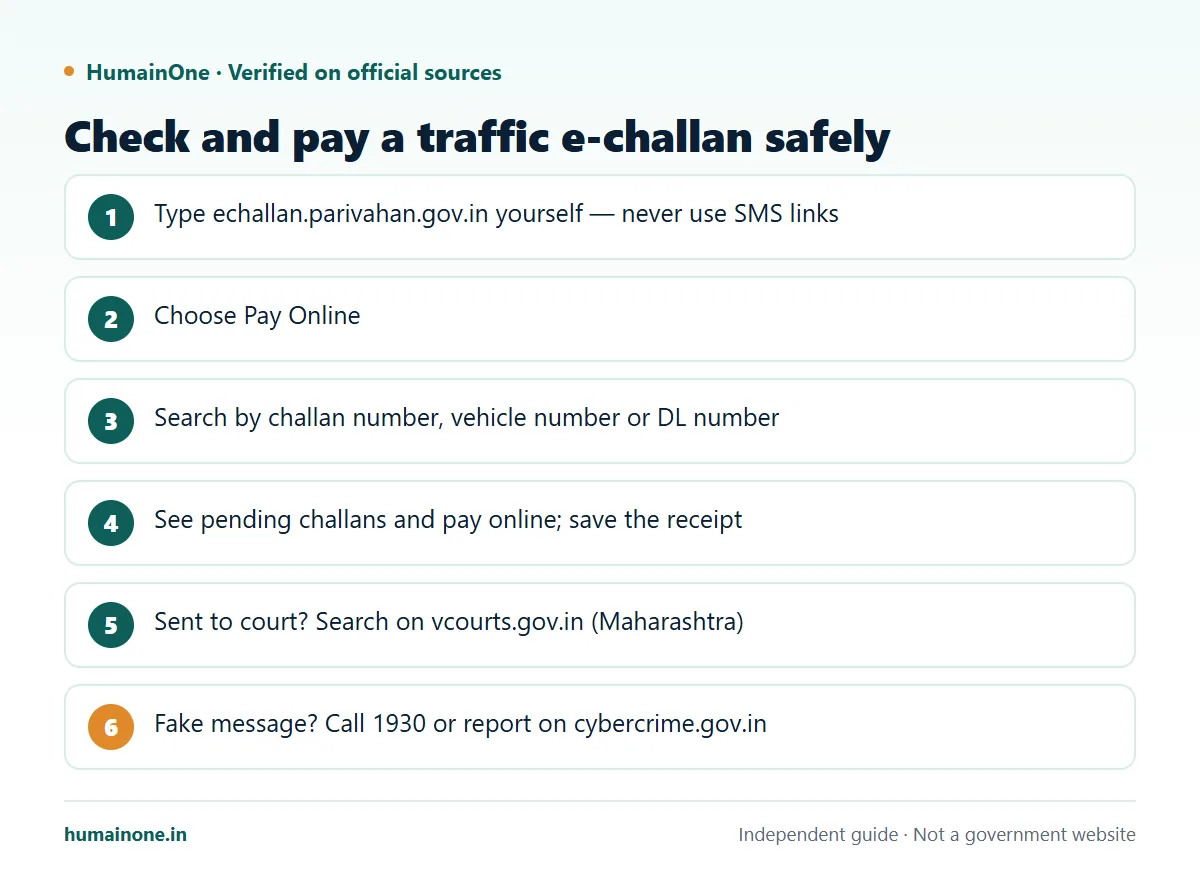
- Open echallan.parivahan.gov.in (type it yourself) and choose Pay Online.
- Pick one: Challan Number, Vehicle Number (e.g. MH12AB1234) or DL Number.
- Enter the details and click Get Detail. Pending challans are listed with their details.
- Select the challan and pay through the portal's online payment. Save the receipt / transaction number.
- Payment not reflected? Use Check Pending Transaction on the same site before paying again.
Challan "sent to court"? Use the Virtual Court
Some challans are sent to a court instead of being paid on the eChallan portal. Traffic and transport courts run on the Virtual Courts portal:
- Open vcourts.gov.in → Virtual Court.
- Choose Maharashtra, then the department — Transport or Nashik Traffic Department are listed.
- Search by mobile number, CNR number, party name or challan / vehicle number.
- If the court has set a fine, you can pay it online there. Payment systems are run by the High Court and state finance department.
Want to contest a challan? The Virtual Courts site says that, at present, adjudication may still need you to appear in person or through a lawyer. For your case, check with the District Court shown on the challan.
Spot a fake challan message
The eChallan portal never asks for your password, OTP, payment details or personal information by call, email, message or link. Warning signs of a fake: a link in an SMS or WhatsApp, a site name that isn't echallan.parivahan.gov.in, a request to download an APK app, threats of "licence cancelled today", or a UPI request from an unknown name. Lost money? Call 1930 and report at cybercrime.gov.in. See fake government scheme messages.
Keep your documents ready on the phone
Your driving licence and RC in DigiLocker (issued from the national register) are legally recognised like the originals when shown from the Issued section — useful when a traffic officer checks. See DigiLocker and DL renewal.
Frequently asked questions
How do I check a traffic challan in Maharashtra?
Open echallan.parivahan.gov.in, choose Pay Online and search by challan number, vehicle number or DL number. Maharashtra (MH) challans are on this NextGen eChallan portal.
How can I pay an e-challan online?
After searching, select the pending challan and pay through the portal's payment gateway. Save the receipt or transaction number.
What if my challan is sent to court?
Search for it on vcourts.gov.in under Maharashtra (Transport or Nashik Traffic) by mobile, CNR, name or challan/vehicle number, and pay the fine set by the court online.
Is the "pending challan" SMS with a link genuine?
Treat it as suspicious. The eChallan portal says it never asks for OTP or payment details by message or link. Open echallan.parivahan.gov.in yourself and search your vehicle number.
Who do I contact for e-challan technical problems?
The eChallan helpdesk: helpdesk-echallan@gov.in or 0120-4925505 (6 am to 10 pm).
Official links
Use only these government websites. HumainOne is not connected to any of them.
- eChallan — check and payMinistry of Road Transport and Highways (NIC)
- Check pending transactionIf payment didn't reflect
- Virtual CourtsChallans sent to court
- National Cyber Crime Reporting PortalReport fraud; helpline 1930
Disclaimer: HumainOne is an independent information website. We are not affiliated with UIDAI, the Income Tax Department, EPFO, NPCI, the Election Commission, the Government of Maharashtra or any government body. We do not accept applications, documents or fees. Information is checked against official sources on the date shown but rules change — always confirm on the official website before acting. Calculators give estimates, not official figures, and this is not tax or legal advice.